We’re excited to introduce ProView Connect, our new AI patient communication system designed to help your office connect with potential patients faster than ever.
When someone submits a form on your website, our AI dental receptionist automatically reaches out within minutes to start the conversation and move that lead toward scheduling.
Here’s a short video overview so you know what to expect:
Why Use ProView Connect?
ProView Connect eliminates the guesswork from lead follow-up, allowing your team to focus on caring for patients already in your office. By automating the monitoring process, you ensure that no potential patient is left waiting for a return call.

Instant Lead Engagement
New leads are contacted within minutes of submitting a form, helping you strike while interest is high.

Natural, Human-Like Conversations
ProView Connect's AI voice is warm, friendly, and conversational — building trust from the very first call.

Seamless Scheduling
When the patient is ready to book, ProView Connect transfers the call directly to your team for scheduling.
The ProView Family
ProView Connect works even better alongside the rest of the ProView family. ProView Social fills your feeds with personal, doctor-led content that builds trust before patients reach out, and ProView Analytics shows you exactly how every channel is performing. Personal content brings patients in, fast follow-up books them, and clear reporting proves it’s working.
ProView Connect FAQs
This is an exciting upgrade that helps ensure every inquiry gets a fast, friendly response while freeing up your front desk team to focus on in-office patients. We have compiled the most common questions to help you understand how this system supports your growth.
Have questions? We’ve got answers.
ProView Connect
Related Articles
Explore how AI for dental practices is transforming patient communication—from instant lead outreach to natural, human-like conversations that build trust. Learn how practices are using AI-powered patient engagement to reduce missed opportunities, boost scheduling efficiency, and connect with new patients faster than ever.
Our insights show why integrating ProView Connect’s dental marketing automation into your workflow delivers results traditional follow-up methods can’t match.

Online Scheduling and Text-to-Book for Dentists
When patients are searching for a new dentist, convenience often determines where they book. Today’s patients expect quick, seamless ways to connect with your [...]
Google AI Overviews in 2025: A Dentist’s Survival Guide
If your dental website traffic has dipped lately, you’re not alone. With the global rollout of Google AI Overviews and the new AI Mode [...]

Optimize Your Google Business Profile to Attract Sleep Apnea Patients
As more patients turn to Google to research health concerns—including sleep apnea and snoring—{{{{link id='57014' text='sleep dentists'}}}} have an opportunity to stand out where [...]

Maximizing Patient Engagement Through Google Business Profiles
Strong patient engagement helps dental practices build trust, improve treatment follow-through, and grow online visibility. A Google Business Profile is one of the most [...]

Effective Dental Branding: Building Trust, Recognition, & Growth
Establishing trust with new patients and fostering loyalty in existing ones requires effective . It goes beyond a mere logo or tagline. A [...]
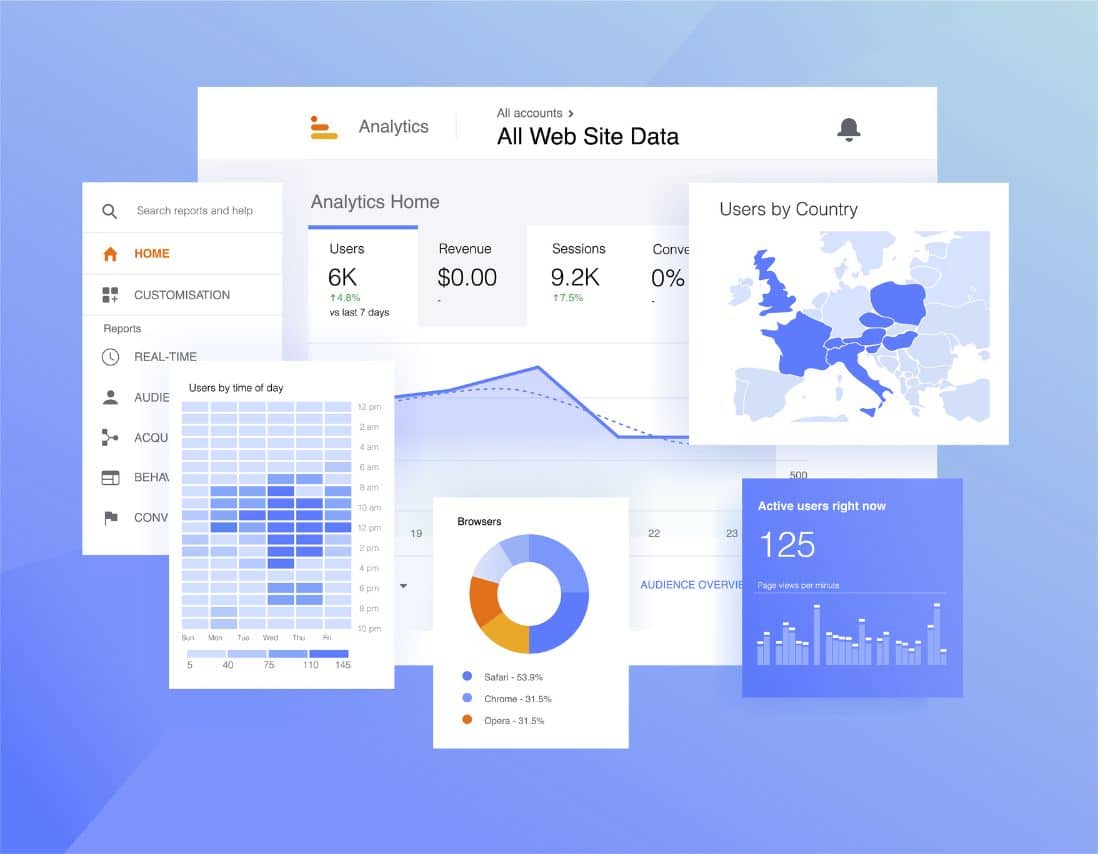
How to Use Google Analytics to Track Dental Website Success
Understanding how patients interact with your dental website is essential for growth—but knowing what to track, how to interpret it, and what to do [...]
Why (and How) Dentists Should Use Video In Their Marketing
You already know it; getting new patients isn’t easy! Businesses compete fiercely for their target audiences with different advertising messages online and offline. You [...]
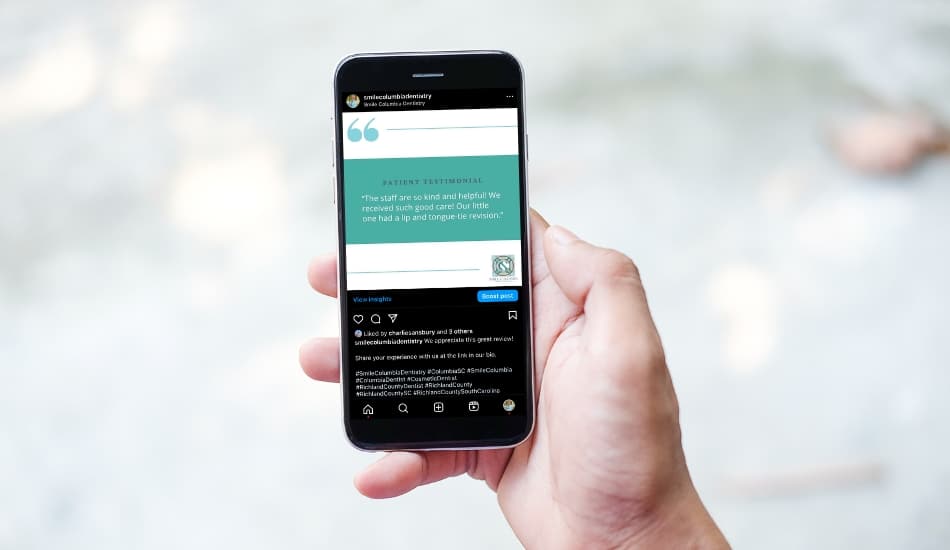
Patient Reviews: The Most Reliable Growth Lever for Your Dental Practice
Online reviews can make or break a dental practice. They’re today’s version of word-of-mouth, shaping first impressions, driving local visibility, and convincing new patients [...]

Tips for Testimonial Videos and Case Study Soundbites
Video testimonials and case study soundbites are invaluable tools for dental marketing. They help establish trust, build authenticity, and provide prospective patients real-world insights [...]